
An API key lets your own systems (an ERP, a dispatch tool, a spreadsheet) read your vehicles, their latest positions, trips and alerts. A key can only read: it can never change anything.
Make a key
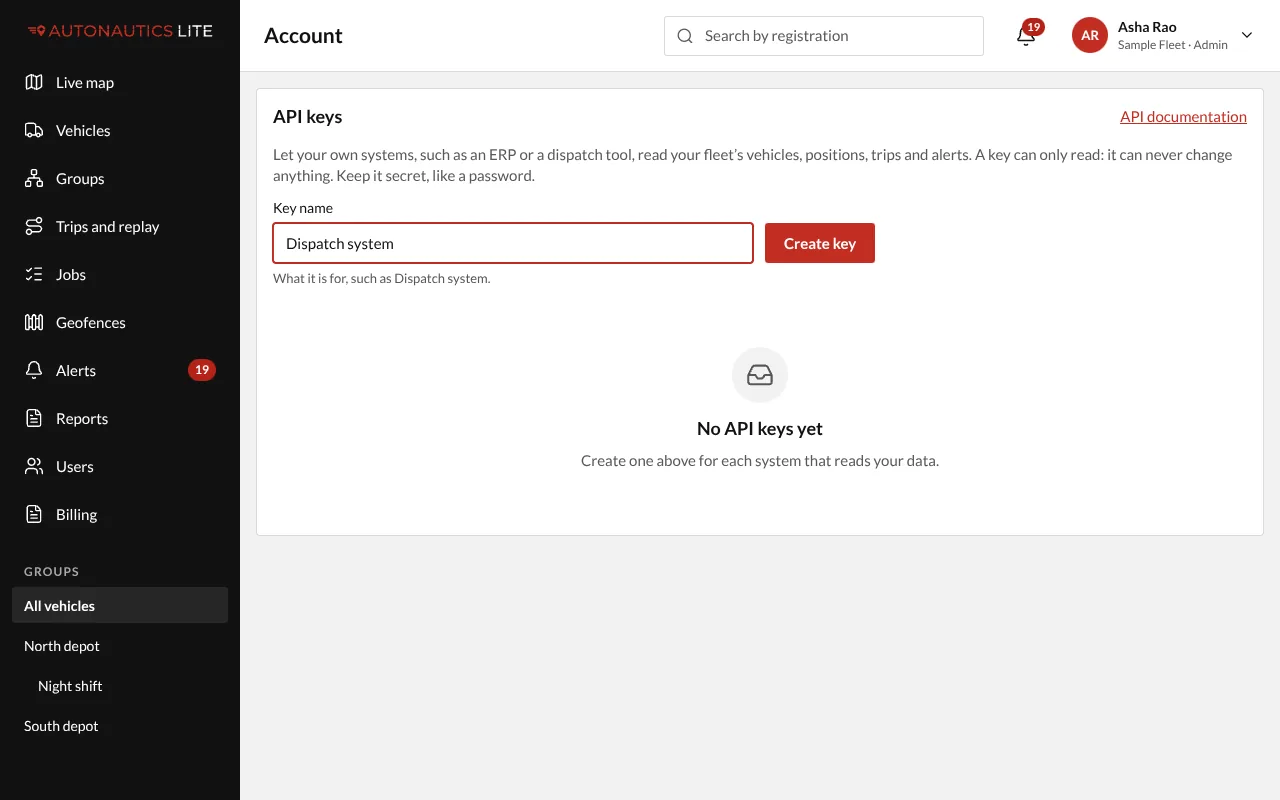
- Open Account, under your name at the top right (on a phone, under More): the API keys card.
- Type a Key name that says what it is for, such as "Dispatch system", and press Create key.
- Press Copy and give the key to whoever sets up your system. You won't see it again.
- Press Done.
The API documentation link on the same screen shows your developer what each part returns, with examples on your own address.
Stop a key
Press Revoke on its row and confirm. Anything still using it stops working at once. Make a new key for it if needed.
Good to know
- Keep a key secret, like a password. If one leaks, revoke it straight away.
- You can have up to 10 keys working at once. A key belongs to your company, so it keeps working after the Admin who made it leaves.
- A key reads up to 60 times a minute, and as far back as your history setting goes.
- With one vehicle, Account is in the same place, under your name.