
Your fleet has one speed limit. A vehicle above it shows Overspeeding on the live map, and speeding alerts use the same number, so the two always agree. It is 80 km/h until you change it.
Steps
- Open Alerts.
- On the Fleet settings card, press Change.
- Type the Speed limit (km/h), from 20 to 200, and press Save.
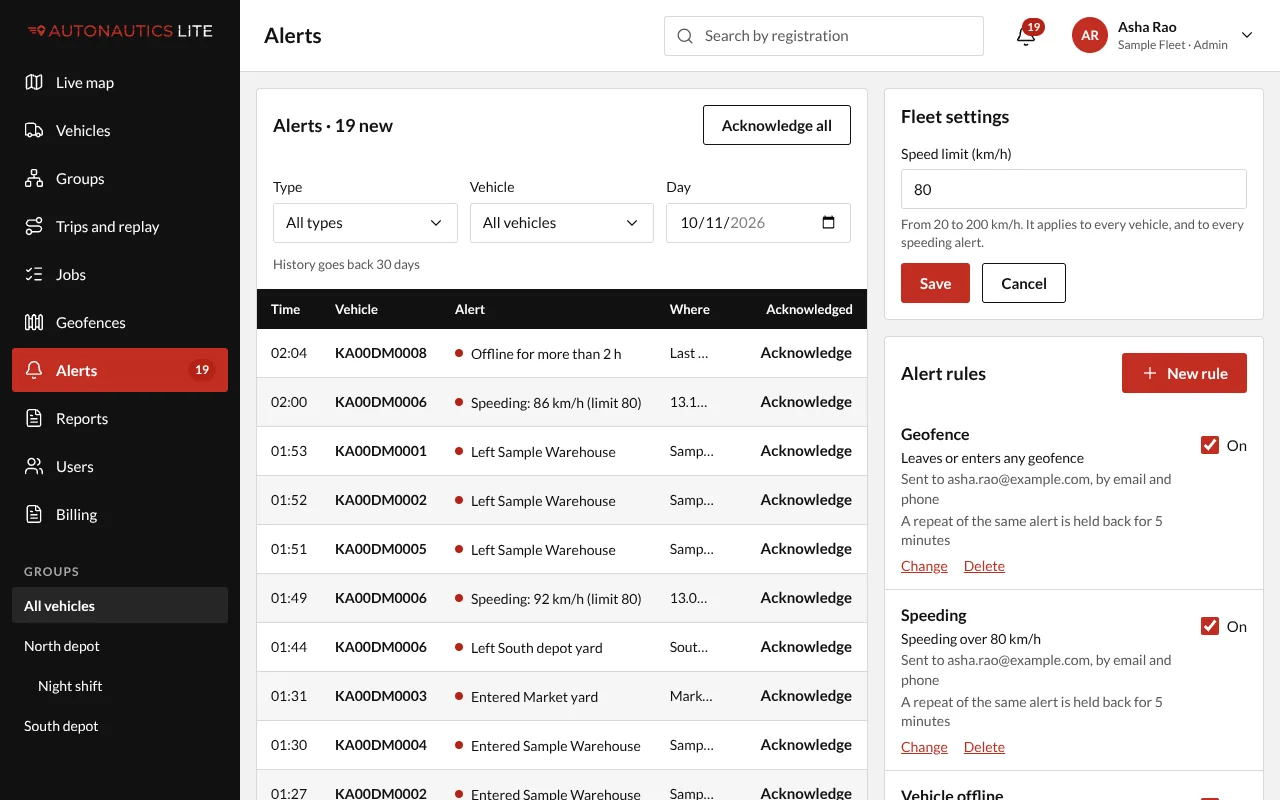
The new limit shows on the map from its next refresh, and applies to every speeding alert from now on.
Good to know
- The Overspeed detail report uses the limit as it is when you run the report.
- Every change is recorded, with who made it.